

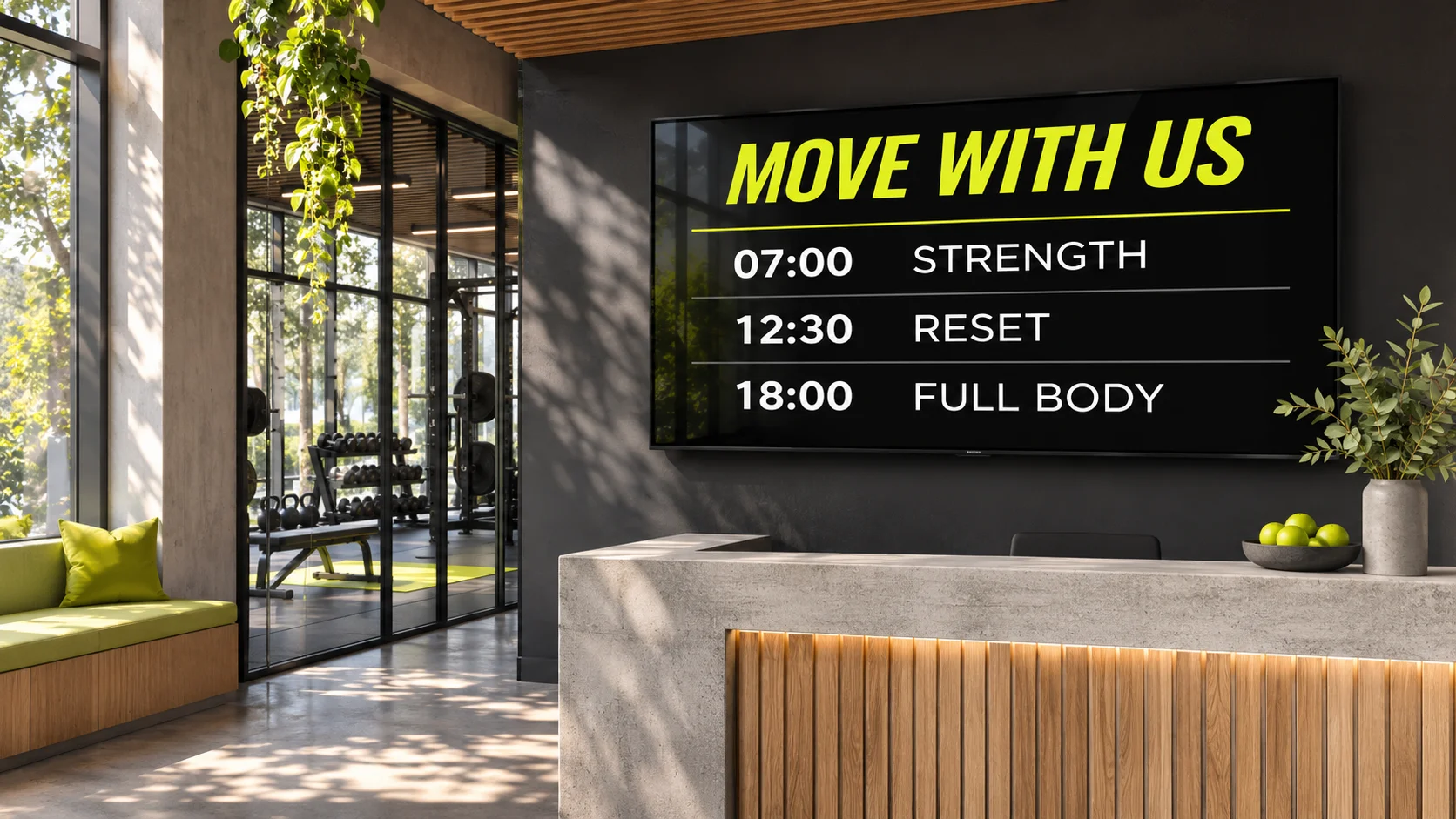
 01 / FITNESS & WELLNESS
Keep the room moving.
Class times, instructor introductions, studio notices. Give the next session a proper introduction.
DIGITAL SIGNAGE. EVERYDAY POSSIBILITIES.
Give people something worth looking up for.
The specials at your restaurant. The welcome in your lobby. The next class at your gym. Bring it all to life with DisplayFleet.
Create your first board30 days free · No credit card needed
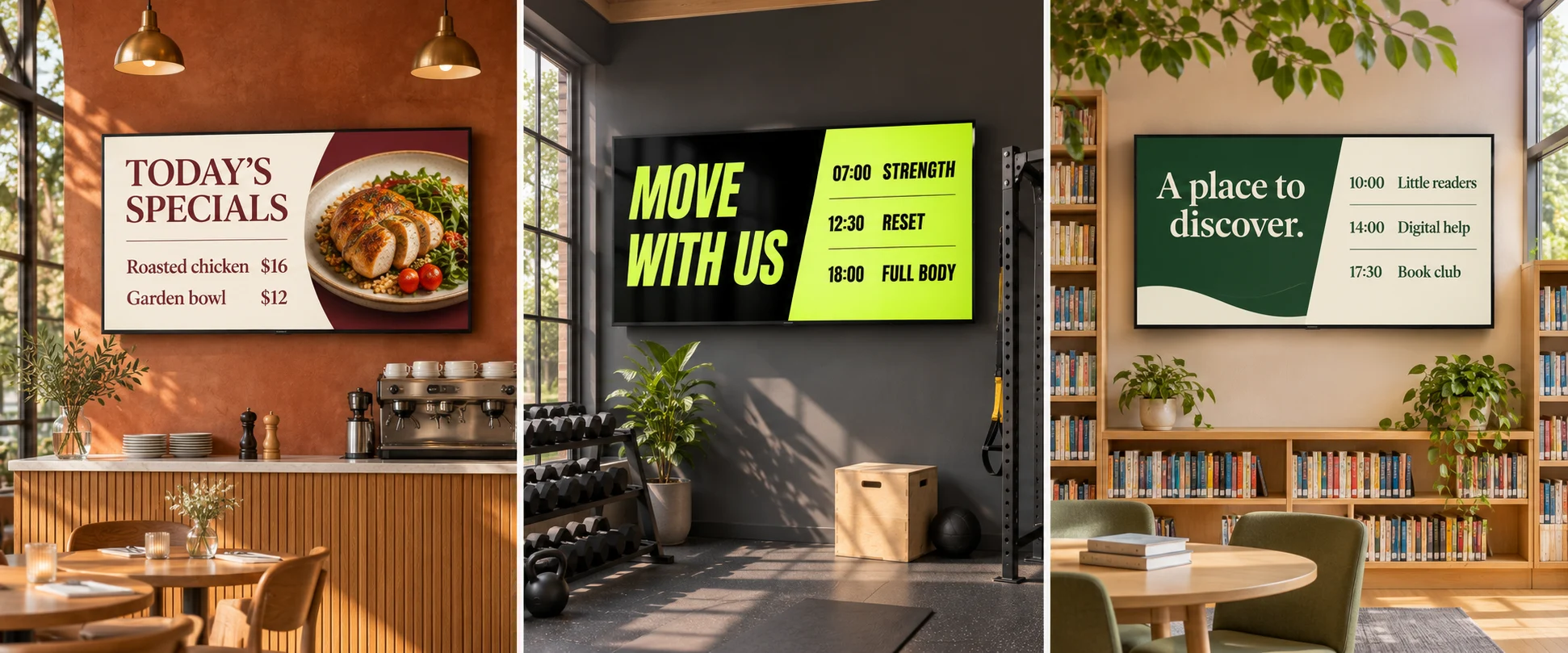
Three spaces. One platform. · Illustrative settings
Gyms ↗ Libraries ↗ Workplaces ↗ Stores ↗ Hospitality ↗ Restaurants
MADE FOR THE DAILY SPECIAL. AND EVERY LOCATION.
Breakfast to lunch. A new special. A price that needs changing. Give your menu the same attention you give your food—without another print run.
Explore DisplayFleet for restaurants ↗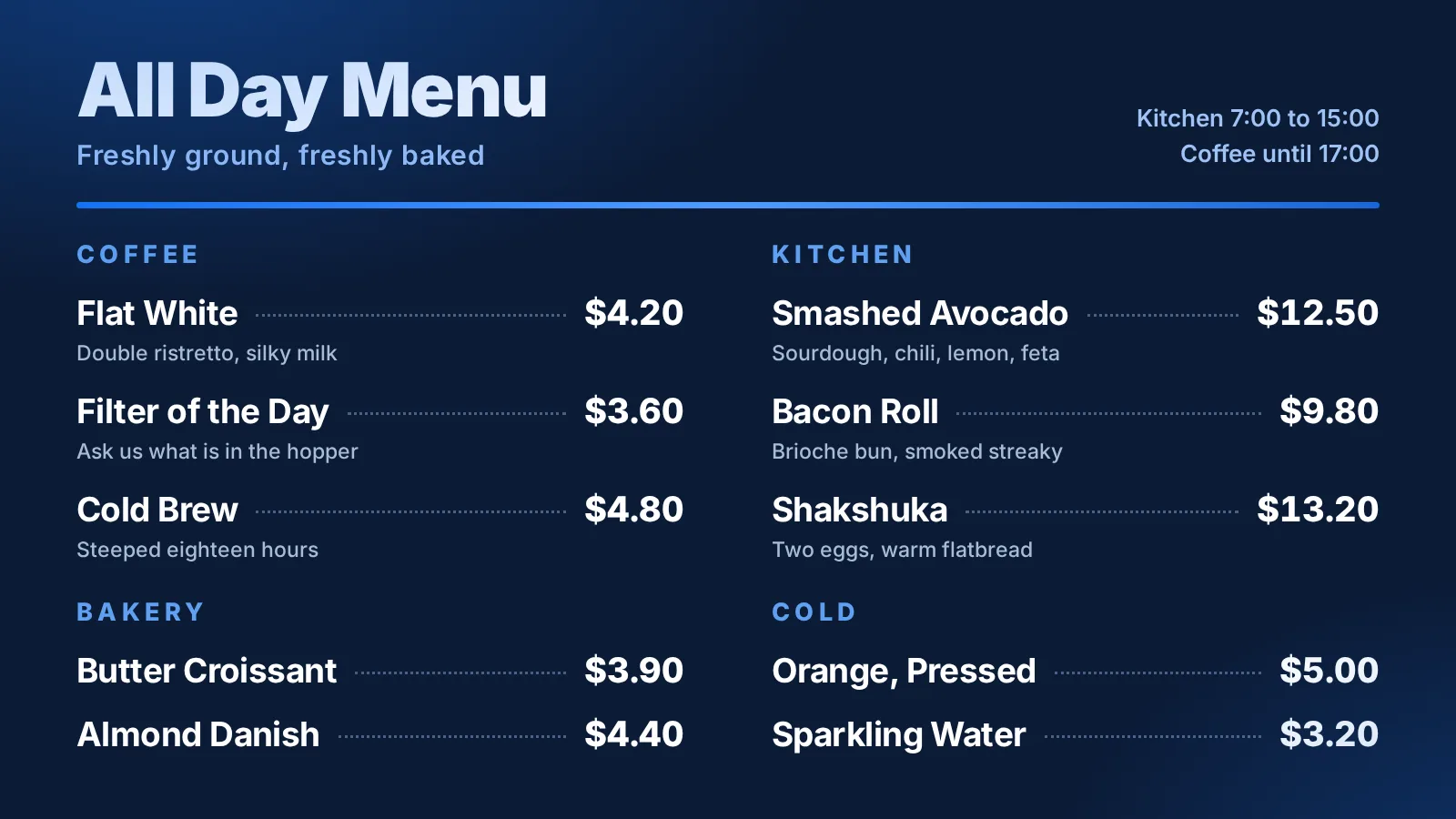
ONE WORKSPACE. THREE LOCATIONS. FIFTEEN SCREENS.
Illustration: a woman changes a restaurant board from Lunch specials to Evening specials in DisplayFleet. The update travels over the internet to Downtown, Riverside, and Northside restaurants, with five screens at each location. The fifteen screens show the new evening board.
One person. One browser.
Example update · 15 screens showing the evening board
Illustrative workflow and timing. Screens pick up changes when their players connect; this animation is not a live delivery or speed demonstration.
A BLANK SCREEN IS JUST THE BEGINNING
Start with one of 75 templates. Make it yours with your words, your images, and a little movement. These are real board designs you can edit.
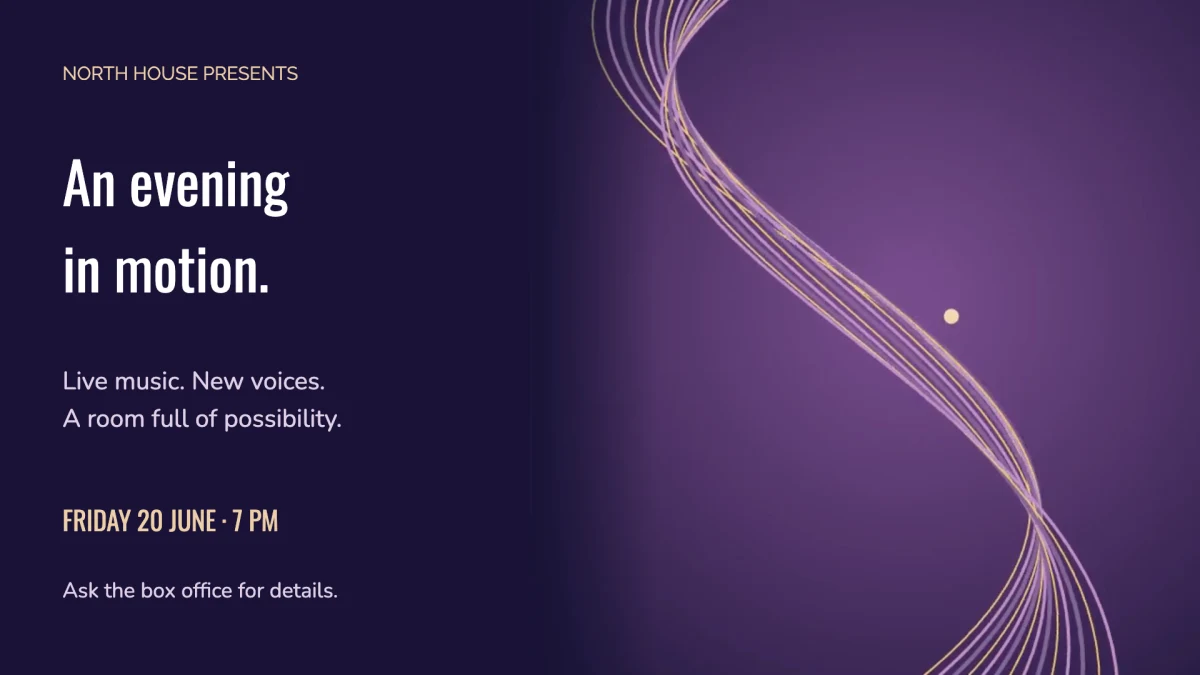
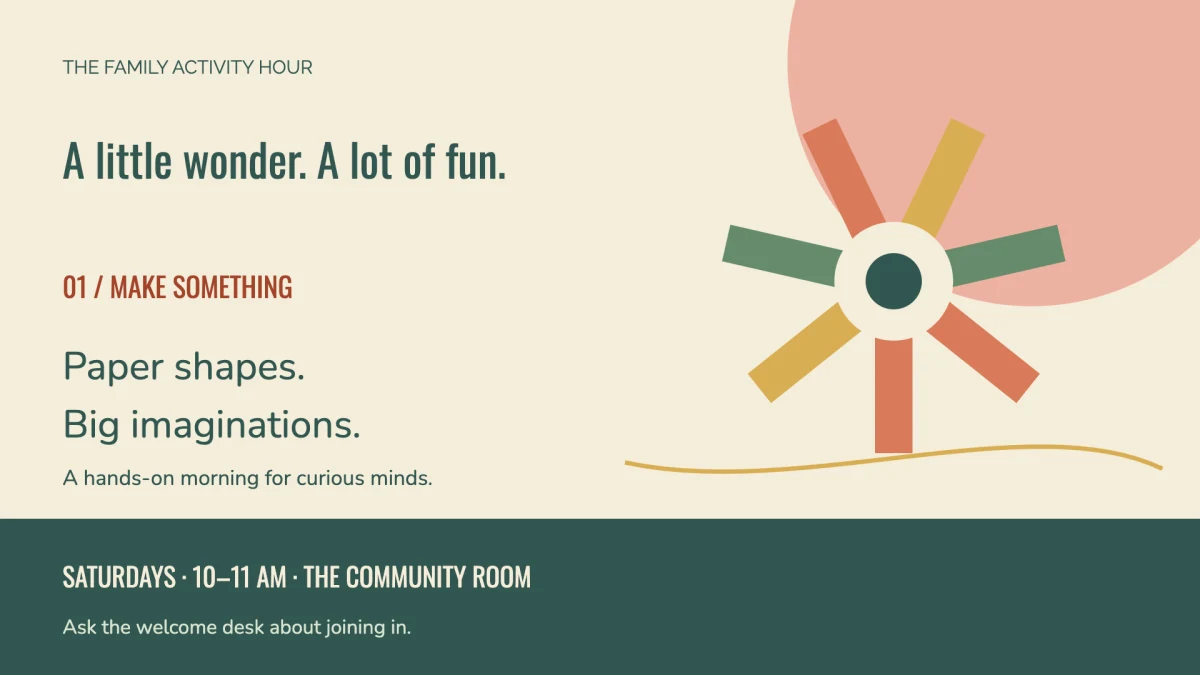
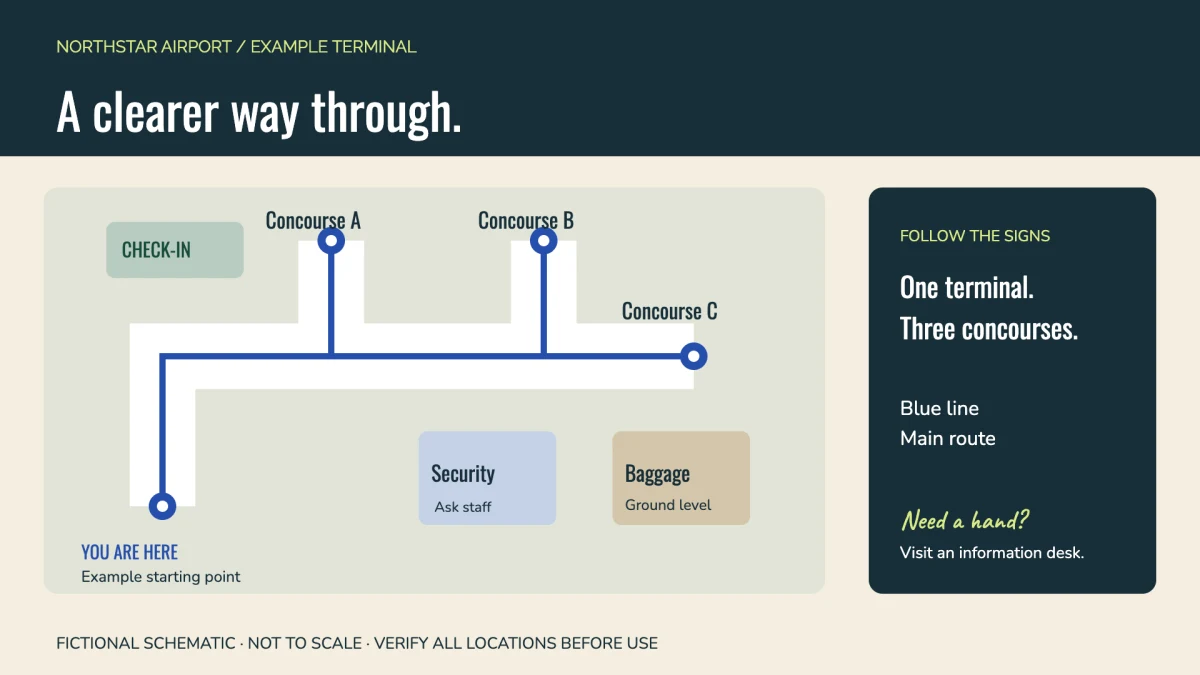
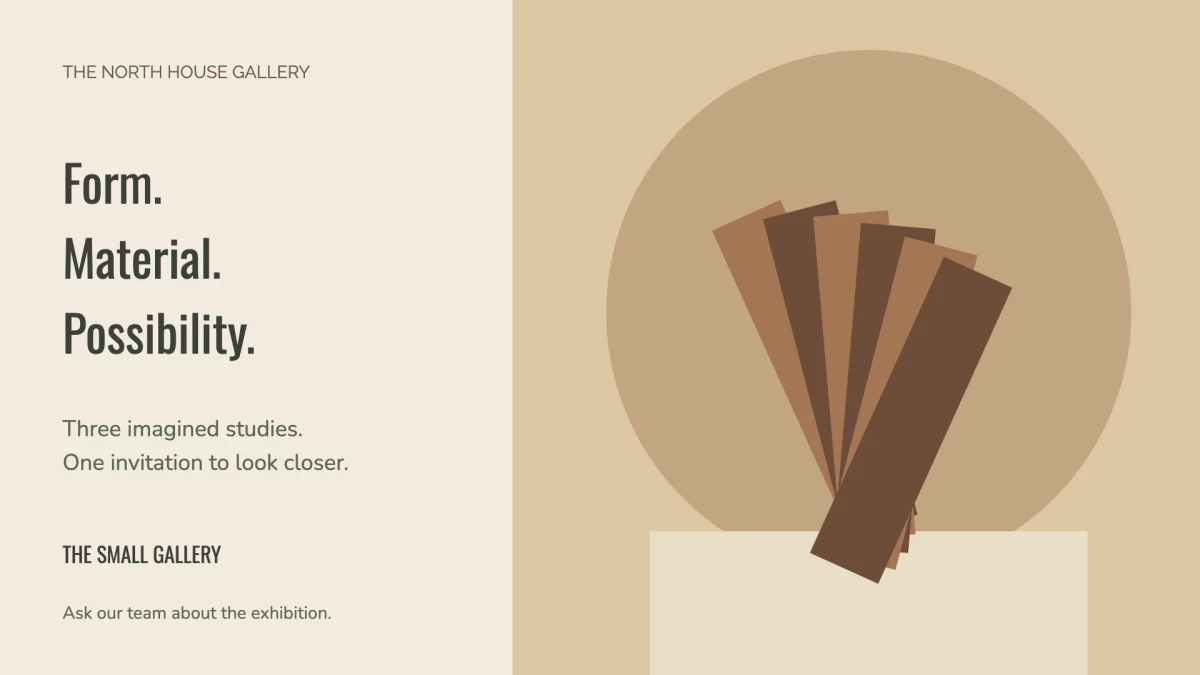
Still, moving, or a little of both.
Video loops, rotating groups, and slideshows give your content room to breathe.
SAME PLATFORM. DIFFERENT POSSIBILITIES.
No menu required. A board can be a timetable, a welcome, a promotion, or simply something people need to know.
01 / FITNESS & WELLNESSClass times, instructor introductions, studio notices. Give the next session a proper introduction.
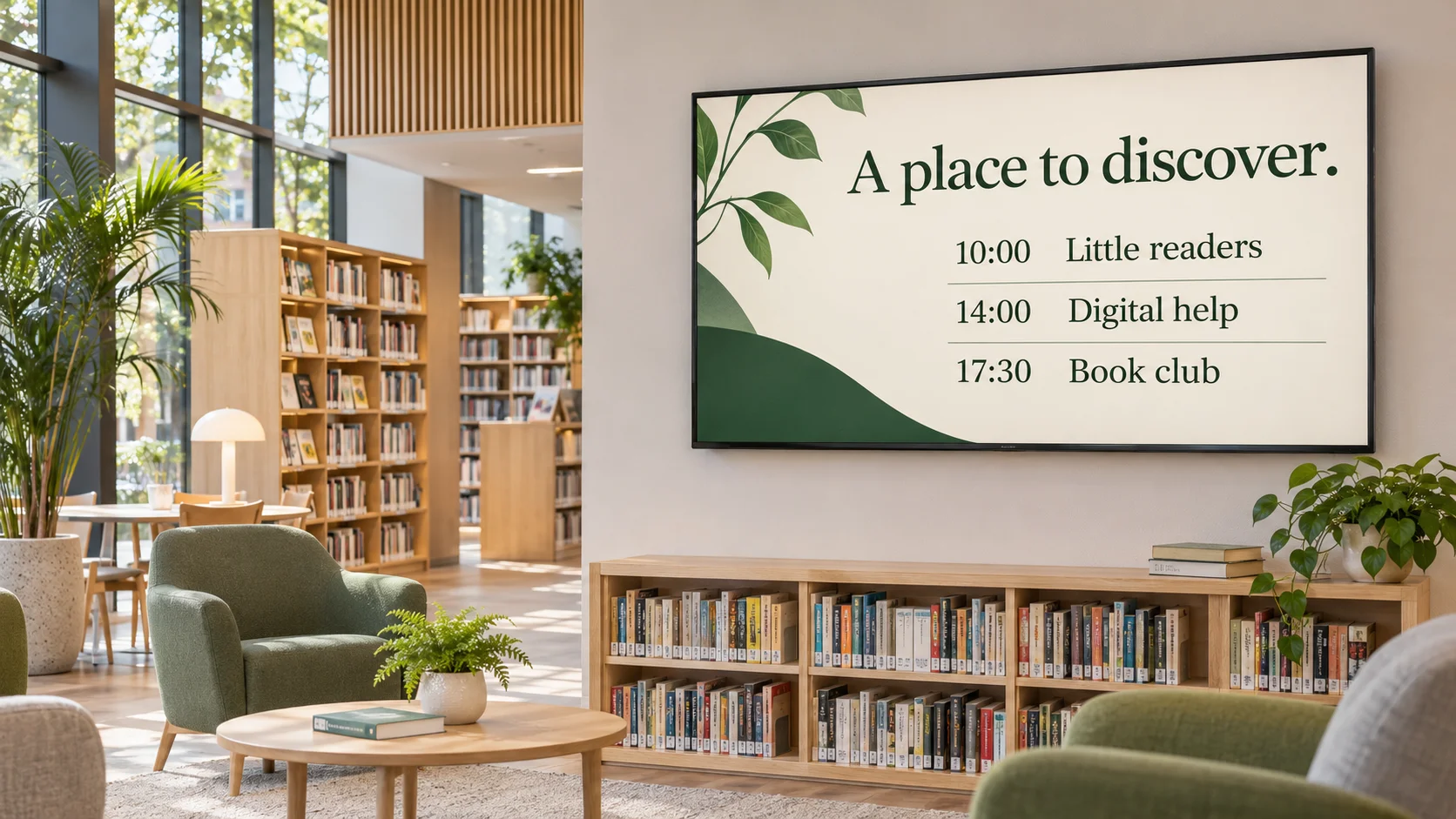 02 / LIBRARIES & COMMUNITY
Story time, workshops, new arrivals. Bring the things happening in your space into view.
Spaces shown are illustrative. Timetables and event details are content you edit, not live booking or calendar feeds.
Hotel lobbies / School hallways / Retail counters / Team break rooms / Museums / Community centers
A LOOK INSIDE DISPLAYFLEET
From the first edit to the daily routine.
Here’s what working in DisplayFleet looks like.
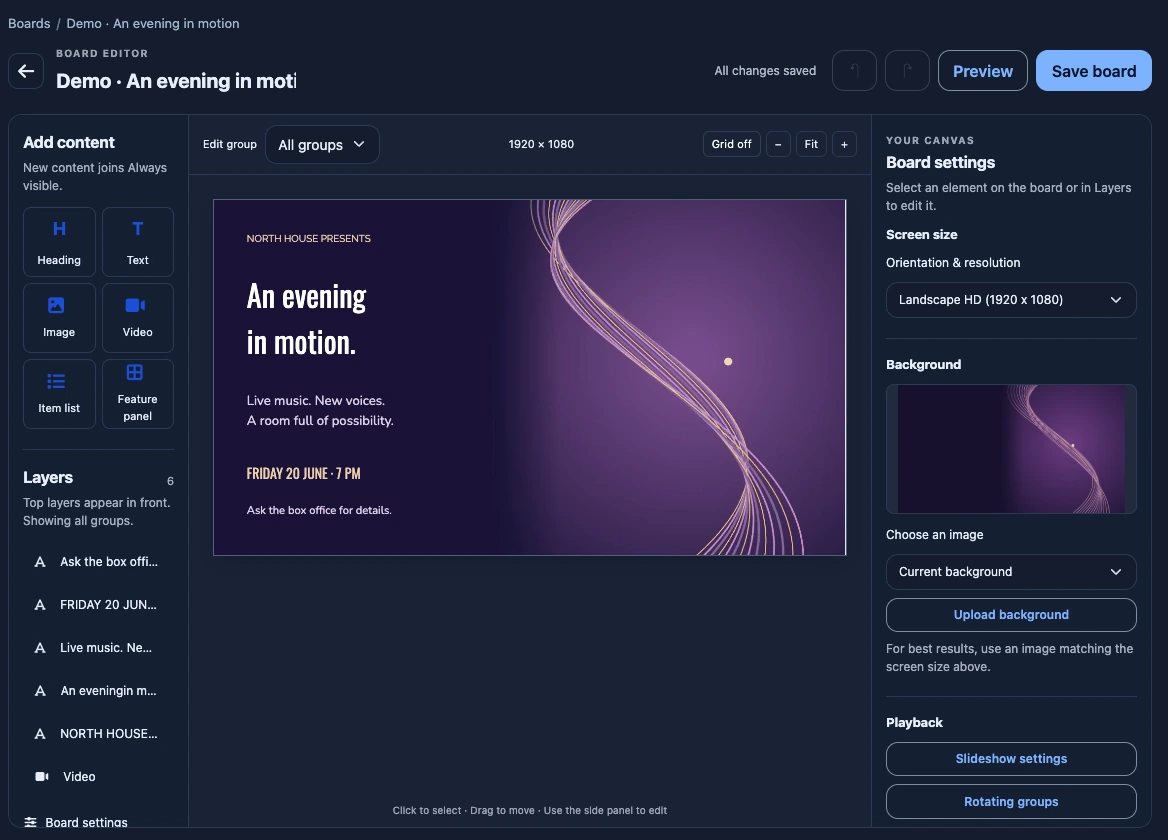
THE BOARD EDITOR
Bring your message into focus. Arrange text, images, video, and reusable lists on a visual canvas, then preview your board before saving.
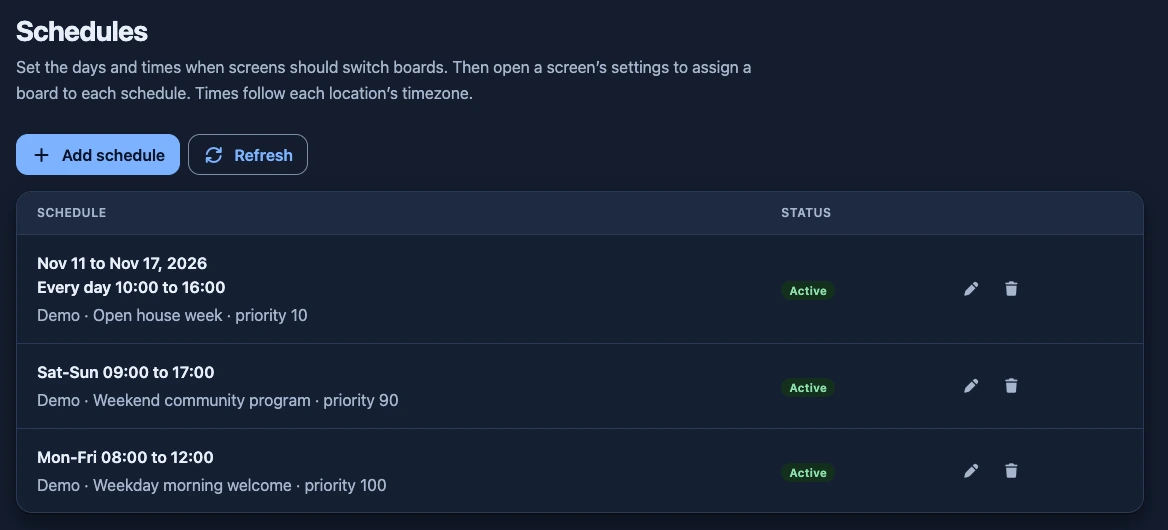
SCHEDULES
Breakfast menus, evening classes, or a week of special events. Set your days and times, then assign a board to each schedule in your screen’s settings.
FROM IDEA TO ON SCREEN
Choose a template, or start fresh. Arrange text, images, video, and reusable lists in the visual editor.
Open the player on a compatible device, enter its pairing code, and choose the board to display.
Update from your browser. Organize screens by location and schedule the right board for the right time.
Manage boards, schedules, and screen health from one place.
SMALL PRICE. BIG POSSIBILITIES.
One straightforward price. Plenty of room to create.
Start your free trial ↗30 days free · No credit card needed
$10/ month
per location, not per screen