

Make the special stand out.
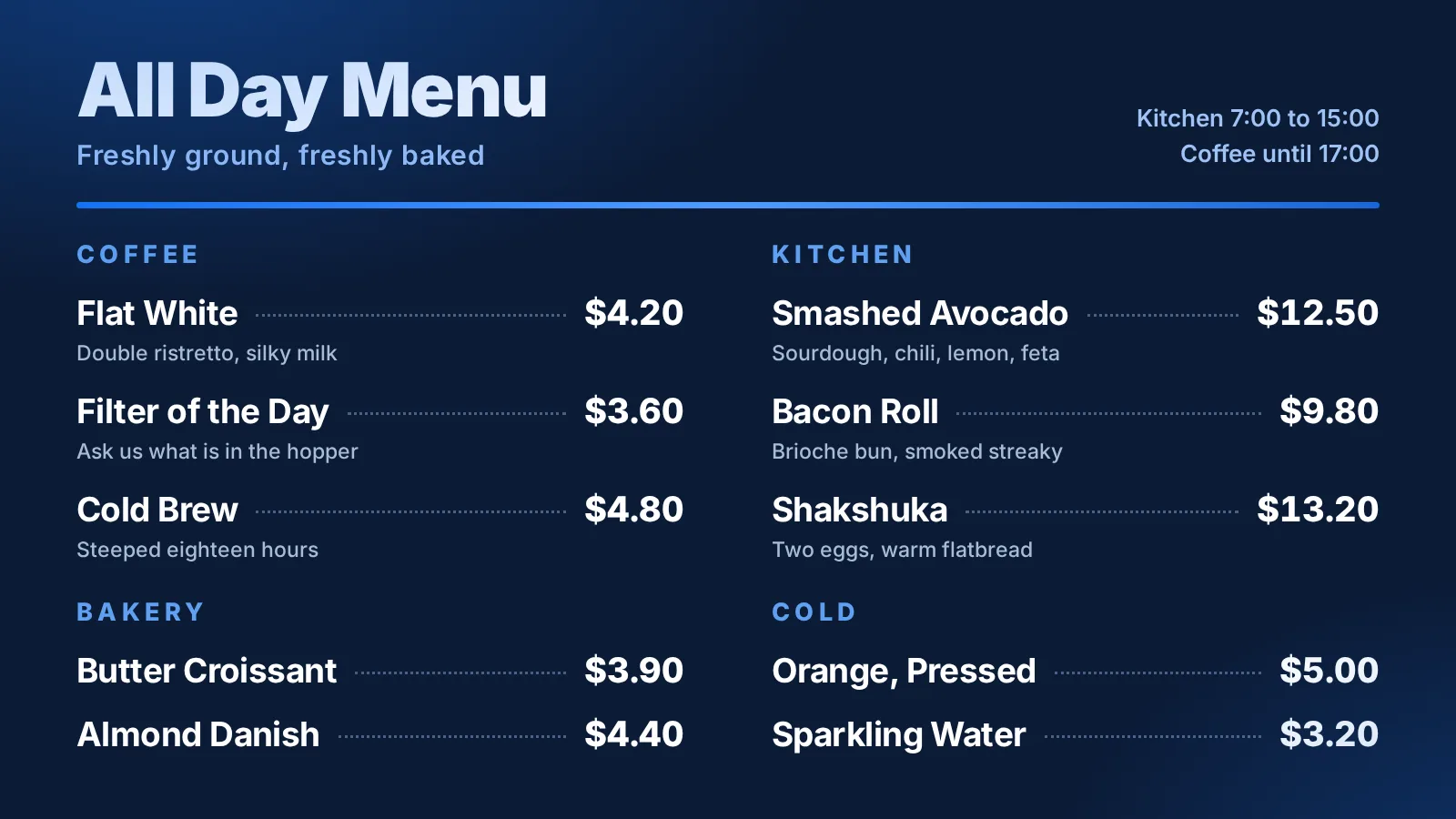
Combine menu lists with food photography, short videos, and feature panels. Start from a template and make it your own.
FOR CAFÉS, COUNTERS & RESTAURANTS
Design the board, pair the screen above the counter, and change a price whenever you like.
30 days free. No card needed.
FROM ONE COUNTER TO YOUR WHOLE FLEET
Reuse a board across locations, organize your screens, and schedule different boards for breakfast, lunch, or dinner. Keep menu items and prices in reusable lists.
ONE WORKSPACE. THREE LOCATIONS. FIFTEEN SCREENS.
Illustration: a woman changes a restaurant board from Lunch specials to Evening specials in DisplayFleet. The update travels over the internet to Downtown, Riverside, and Northside restaurants, with five screens at each location. The fifteen screens show the new evening board.
One person. One browser.
Example update · 15 screens showing the evening board
Illustrative workflow and timing. Screens pick up changes when their players connect; this animation is not a live delivery or speed demonstration.
Combine menu lists with food photography, short videos, and feature panels. Start from a template and make it your own.
Schedule boards for different times of day. Use rotating groups or slideshows when one screen has more to say.
See your locations and screen health in one dashboard, so you can spot players that need attention.