MEET YOUR NEW COMMUNICATION CANVAS
A good idea.display.
Create in your browser. Show it in your space. Keep every screen part of the conversation.
Try it free for 30 days ↗
01 / CREATE
Start somewhere
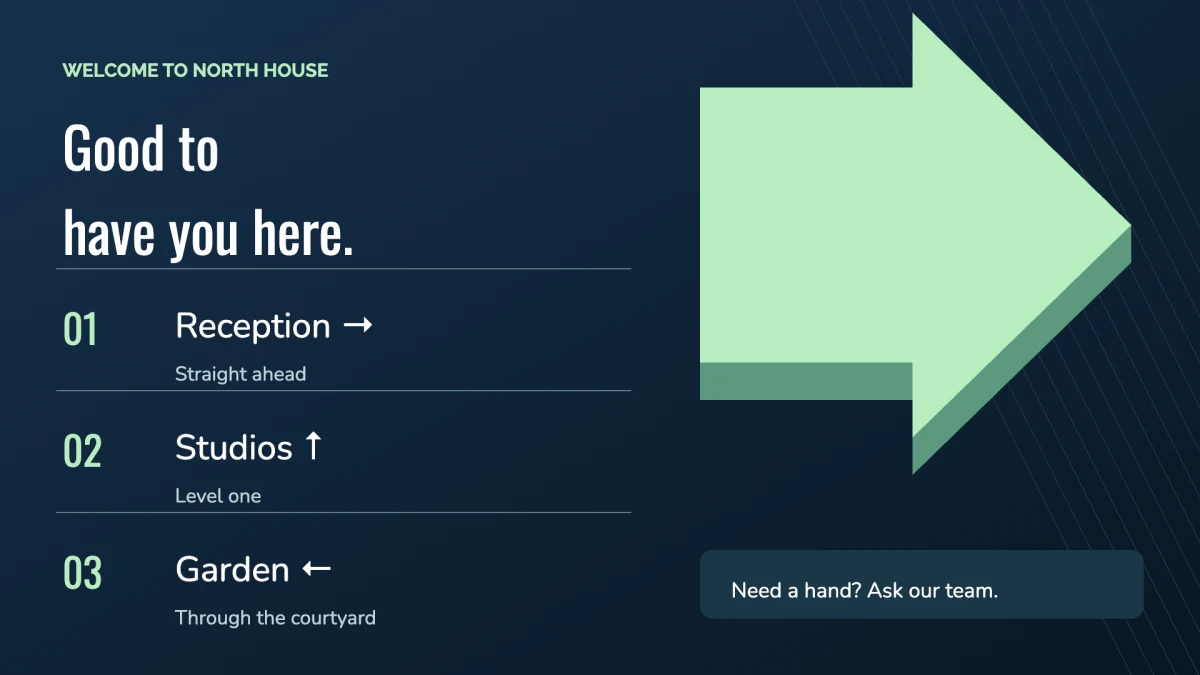
Pick from 75 templates for spaces, events, and everyday updates. Replace the sample words, choose your colors, and move elements into place.
Headings, text, images, and video
Reusable item lists with optional prices
Landscape and portrait layouts
A starting point, not a restriction.
02 / BRING IT TO LIFE
Some messages
Play a muted video, rotate groups of elements, or let a slideshow take over the board. Choose what changes and how long it stays.
9 motion templates to get you started
Rotating groups for more content on one canvas
Full-board slideshows for changing stories
See changing previews ↗
03 / CONNECT & MANAGE
From your desk.
Open the DisplayFleet player on a compatible device, enter the pairing code, and assign a board to its screen.
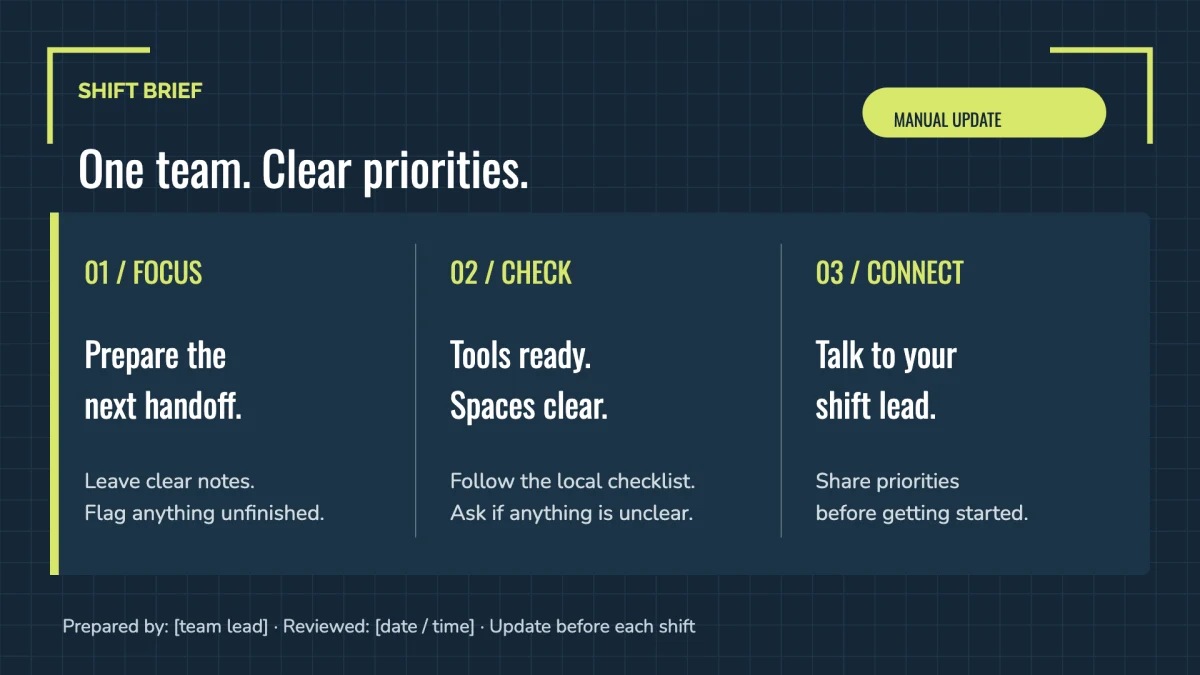
Organize your locations and screens, schedule boards for different times, and see which players need attention from your dashboard.
Timetables and event listings are content you edit. They do not automatically sync with calendars or booking systems.
The right information, where your team can see it.
A LOOK INSIDE DISPLAYFLEET
Your ideas. From the first edit to the daily routine.
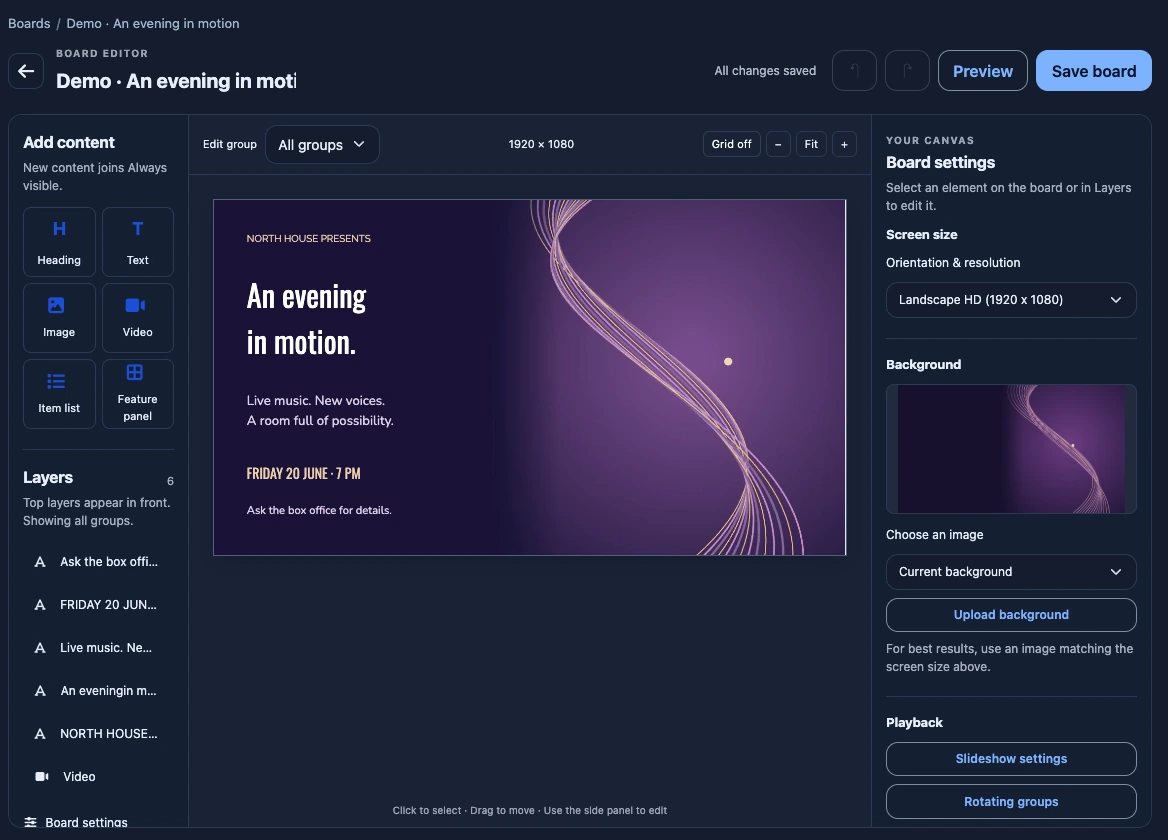
THE BOARD EDITOR
Start with a template. Bring your message into focus. Arrange text, images, video, and reusable lists on a visual canvas, then preview your board before saving.
Edit content, colors, and layout Add motion with video and rotating groups Board editor · Example workspace View full-size editor ↗
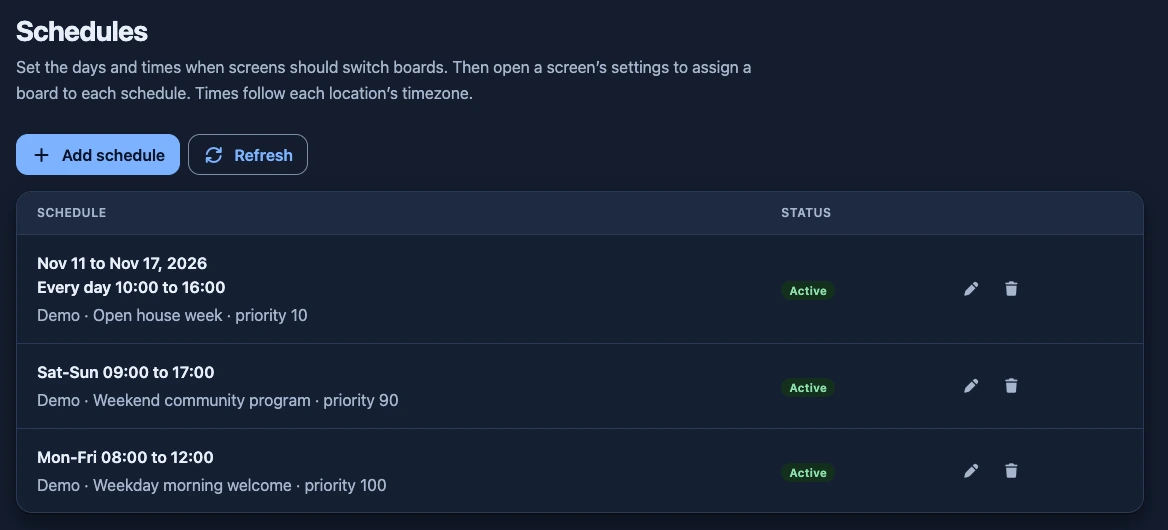
SCHEDULES
The right board. Breakfast menus, evening classes, or a week of special events. Set your days and times, then assign a board to each schedule in your screen’s settings.
Recurring weekly hours and specific date ranges Times follow each location’s timezone Schedules · Example workspace View full-size schedules ↗
LET’S PUT SOMETHING GOOD ON SCREEN
Your first board is waiting.
Create your first board ↗
30 days free. Then $10 per location, per month.